Apply for a job
Overview
Every LinkedIn job listing offers one of two ways to apply: external applications and Easy Apply.
External applications typically direct you to a company's talent acquisition site or a SaaS platform such as Workday.
Easy Apply is LinkedIn's internal application submission system, allowing you to apply for a job with your LinkedIn profile (and without leaving the LinkedIn site) rather than creating an external candidate account.
Apply using external applications
-
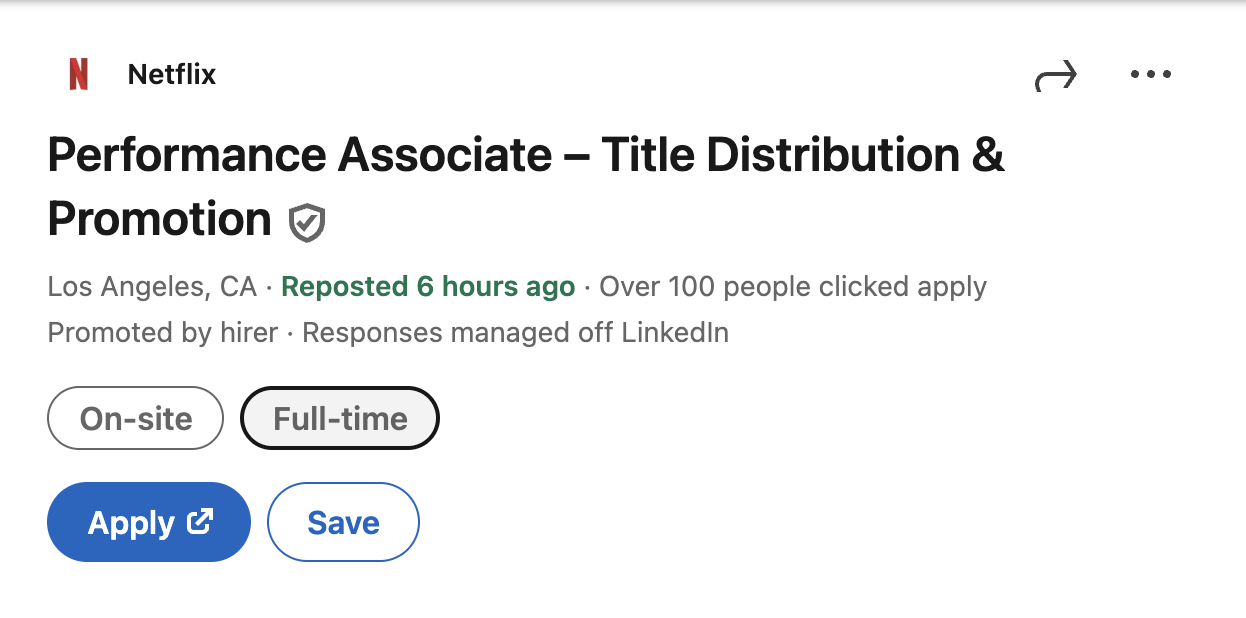
After finding a job listing whose description matches your preferences, click Apply. A new tab will be opened in your browser.
-
Complete the application according to the talent acquisition site's requirements.
-
(Optional) After completing the application, return to the LinkedIn posting and select Yes in the following prompt:
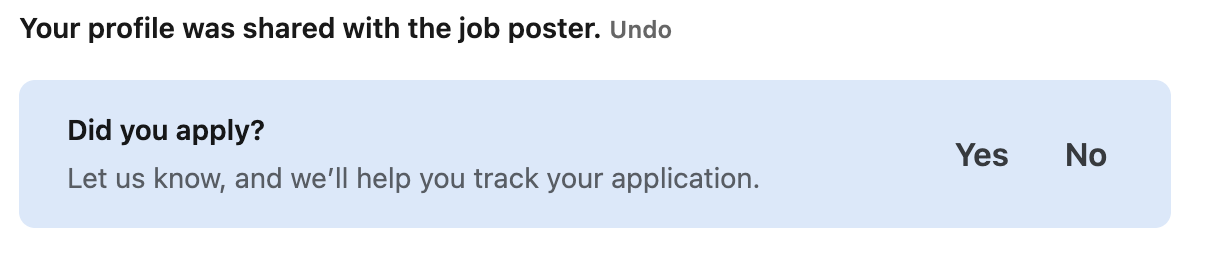
By selecting Yes, you can track your application progress in LinkedIn from the job tracker. You can access applied jobs by returning to the Jobs landing page and clicking Job tracker.
Apply with Easy Apply
-
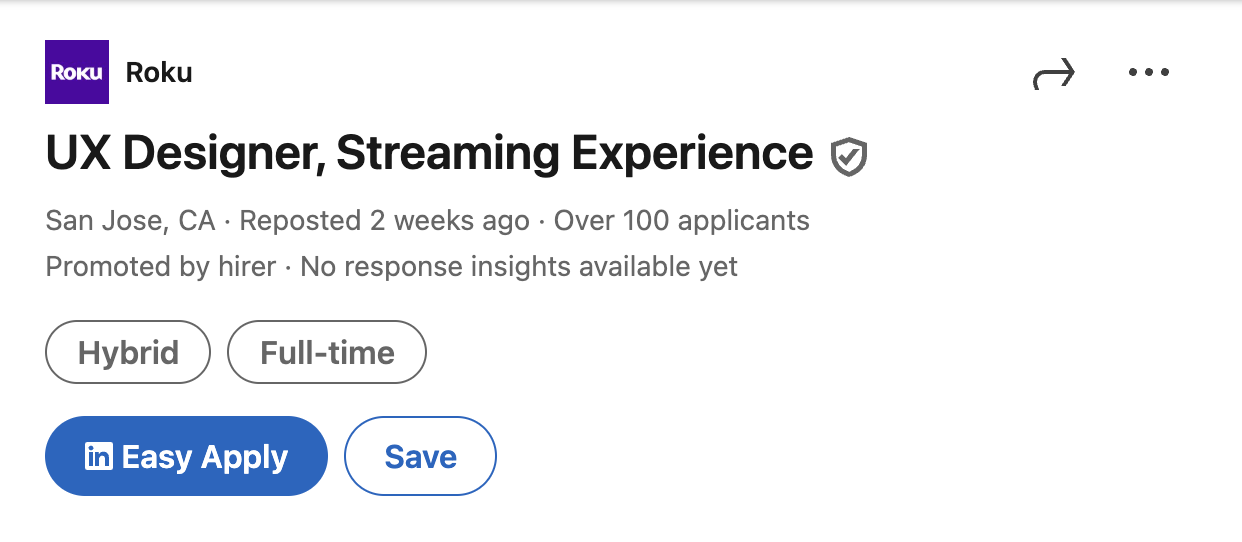
Click Easy Apply under a job listing.
-
Fill in any required fields. These often include contact information, a CV, and a cover letter, but exact requirements vary by listing.
- Click Review once you have completed the application to look over your responses.
- Click Submit application to send your application to the recruiter.
With Easy Apply, your application is automatically added to the Job tracker.