Track application progress
Overview
You can keep track of the jobs you applied to within the job tracker, which allows you to update application statuses and archive old job listings.
View jobs you applied to
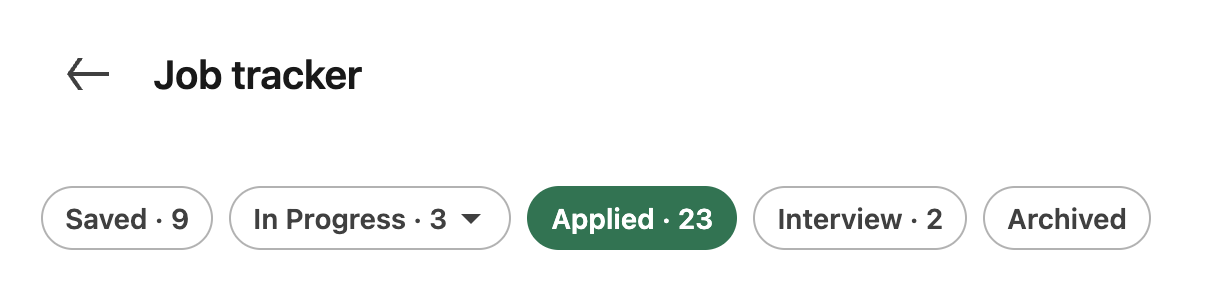
From the Jobs landing page, click Job tracker. Select a filter (Saved, In Progress, Applied, Interview, or Archived) to view your jobs.
Update application status
For each job in the job tracker, you can simply respond to the prompts to update your status.
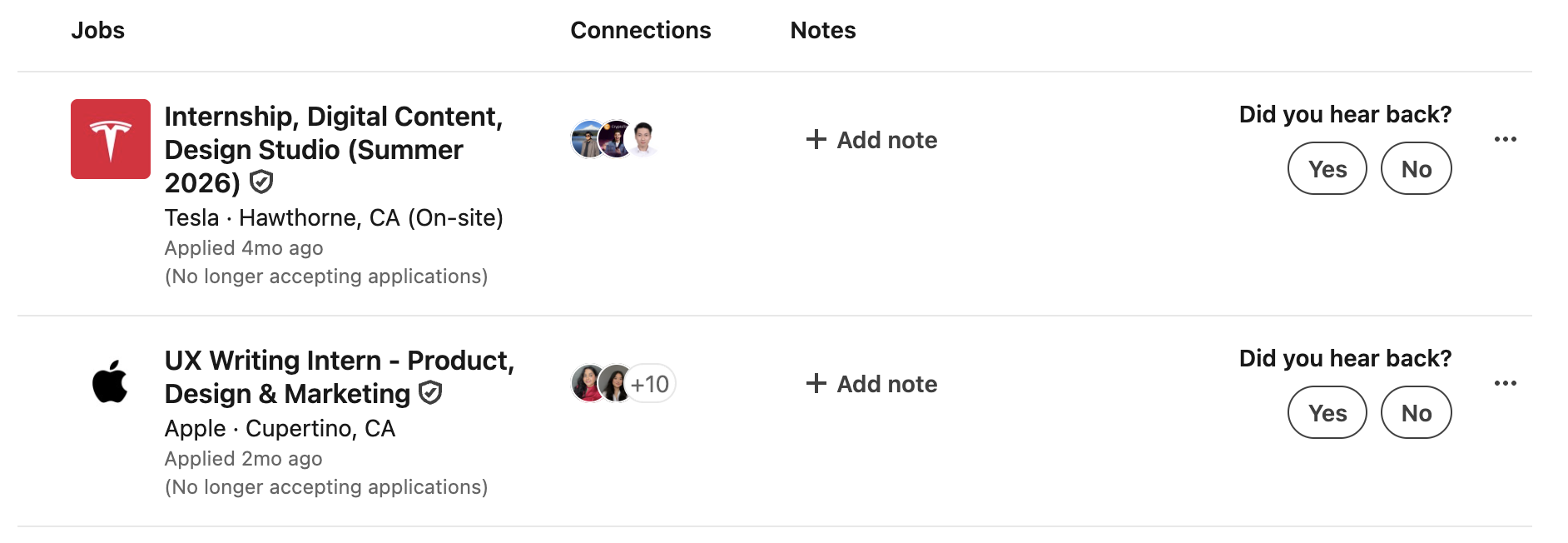
Alternatively, you can click the ellipsis icon (...) to quickly archive or change the stage of your application.